Roll cursor over data fields below for more info
|
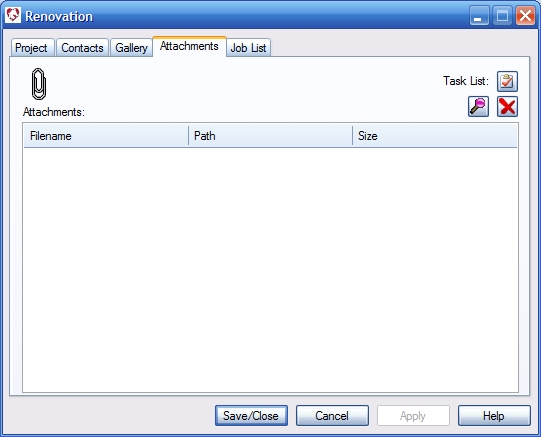
Overview- Attach any type of file or files to the project record for fast and easy retrieval.
Task List Button- Opens a user customizable form application to create and fill your own templates and forms that can be easily attached to your project. Useful for task management or checklists. File Selection Button- Opens a designated file store from where you can select and attach files by double clicking on the file, or hold your ctrl key and select several files and click open in the dialog. Remove Button- Removes selected files from the list. Attachment List- Displays all files attached to this record. To open a file double click on a file in the list. It will open in its default program. *.dgm files are opened with the Form Designer. |
 |
We collect information from you when you register on our site or fill out a form.
By using our site, you consent to our website privacy policy.