Roll cursor over data fields below for more info
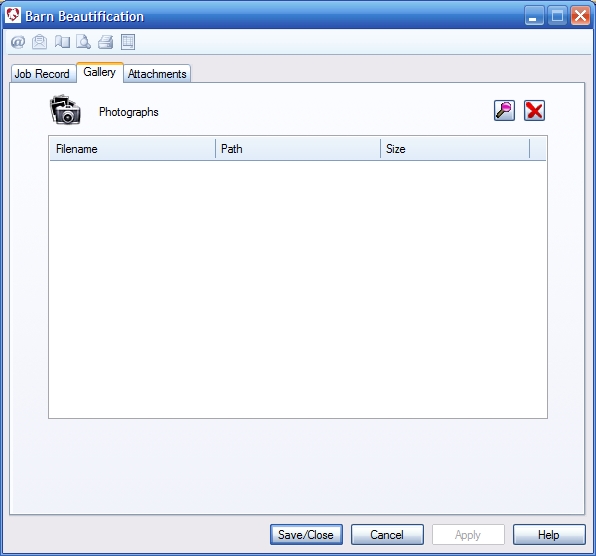
| Overview- Attach image files to the job record. The attached files are displayed as thumbnails. To view, double click the entry.
File Selection Button- Opens the designated file store to allow image file selection. Multiple image files can be selected from the file dialog by holding the ctrl key and selecting several files at a time. Remove Button- removes selected files from the list. Image List- Displays image files attached to this record. To open, double click on the file in the list and it will open using the default image program. |
 |
We collect information from you when you register on our site or fill out a form.
By using our site, you consent to our website privacy policy.