Roll cursor over data fields below for more info
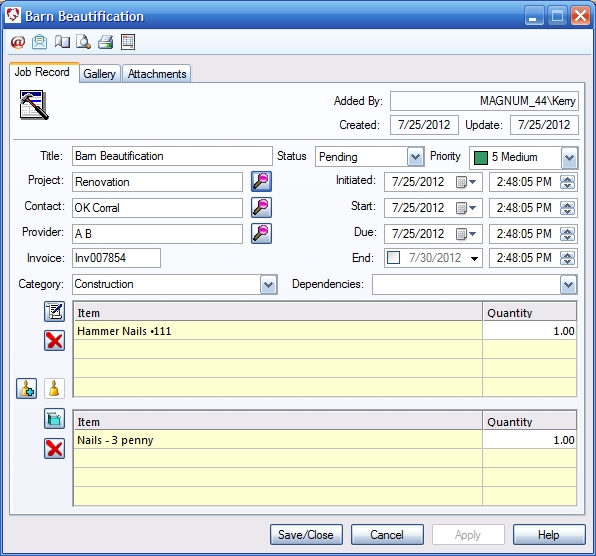
Overview- Project management. Select category and provider, as well as procedures and products that accompany the Task. For detailed notes and attachments click on the attachments tab.
Toolbar:
Created- Computer generated - shows when the record was created. Update- Computer generated - shows when record was last altered. Contact, Provider- Use the lookup button to locate and select. Initial and Completed Dates- Select appropriate dates for your records. Invoice- This will be added by the system when an invoice has been generated. Status- Select the status of this record. Selecting closed locks the record from further editing. Category- Task category. To add a new category, right click the down arrow to add or edit. Procedure Selection Button- Opens the procedure selection list. Remove- Removes Highlighted items from the list. |
 |
We
collect information from you when you register on our site or fill out
a form.
By using our site, you consent to our website privacy policy.