Roll cursor over data fields below for more info
|
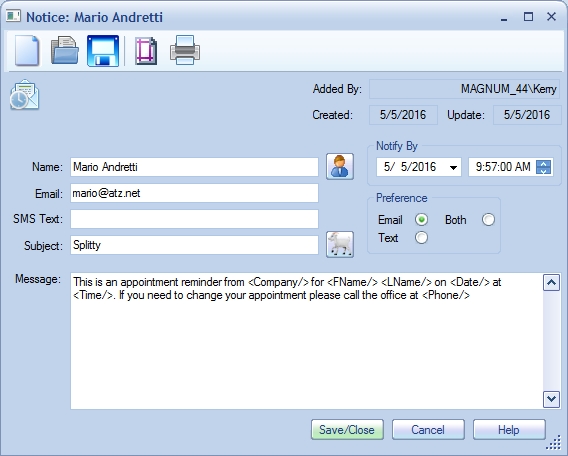
Overview- Create a Notice message. Notices are sent via email or text to the designated recipient. See also: Notification Manager.
Name- Contact name. Name button - Select a Contact from the database. Email- The address the Notice will be emailed to. SMS Text- The address the Notice will be texted to. Subject- The subject of the Notice. Notify By- Event Date and Time that the Notice should be sent by. Preference radio buttons- Preferred contact method. Toolbar:
|
|
We collect information from you when you register on our site or fill out a form.
By using our site, you consent to our website privacy policy.