Roll cursor over data fields below for more info
|
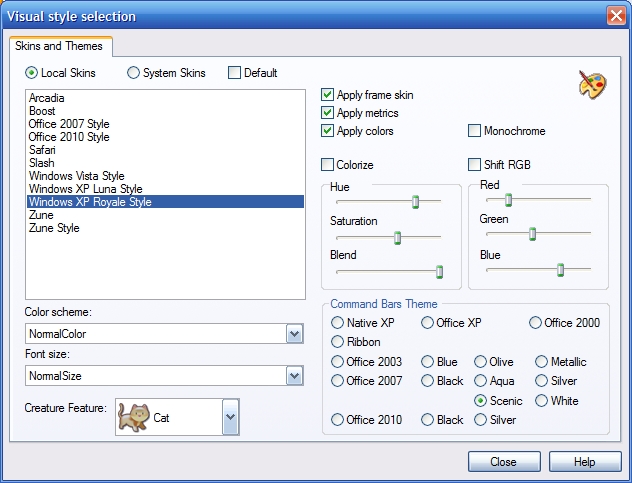
Themes- Alter the look of ACESoft Business Manager by changing themes and colors of various controls and screens within the program.
Select from Local, System or default skins. Select from a list of themes. Specify color and font size. Custom adjust the color settings in your theme. Select from a list of themes that apply to your command bars. |
 |
We
collect information from you when you register on our site or fill out
a form.
By using our site, you consent to our website privacy policy.