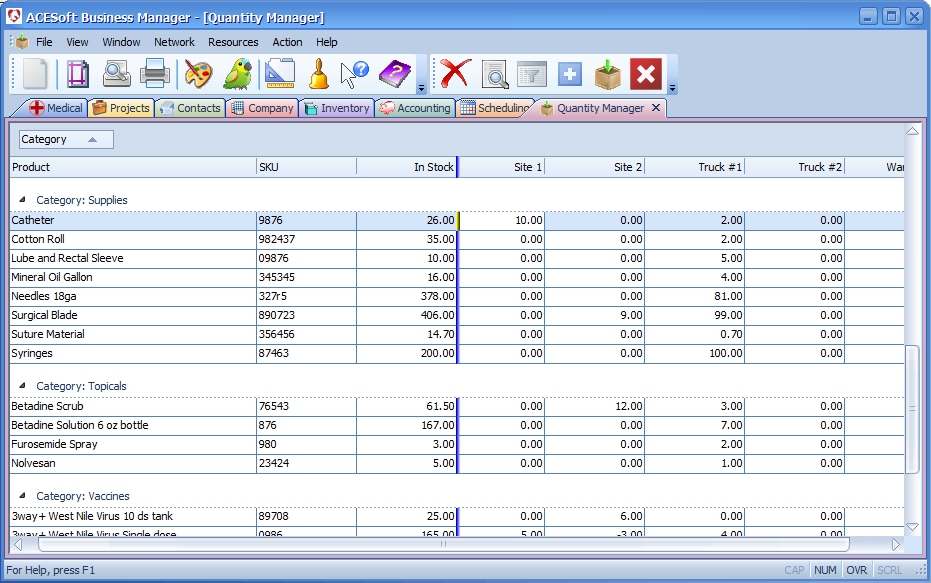
Quantity Manager
Overview- List locations and quantities of product. Transfer and adjust quantities between sites.
Edit Values- Select and edit desired columns and rows.
Site Selection - Unlimited site creation and selection. Scroll the list of sites while the product columns remain fixed.
F3 to Find - Open the find tool to locate items in the list.
F5 to Filter- Select a product column. Open the filter tool and start typing. The list will display only those entries matching your criteria.